
Table of contents
What are Google Posts?
In the last few weeks, a new “Posts” section has appeared within the Google My Business administration panel. This new feature allows you to create posts with photos, text, and buttons that will be associated with your business and published on Google Search and Google Maps.
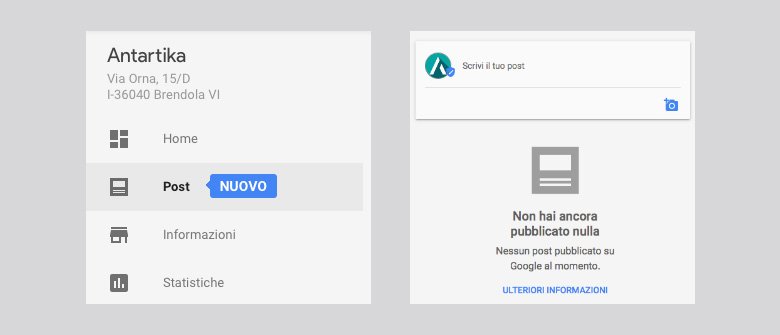
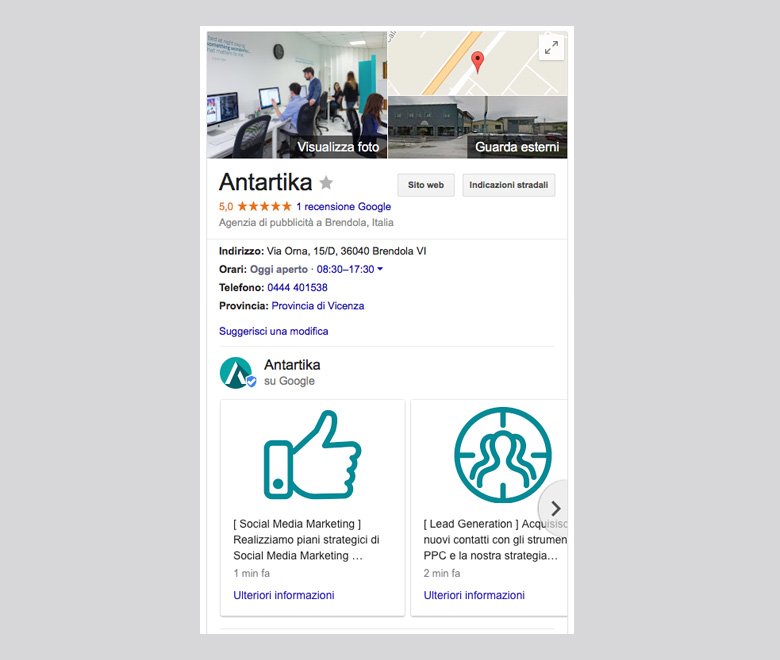
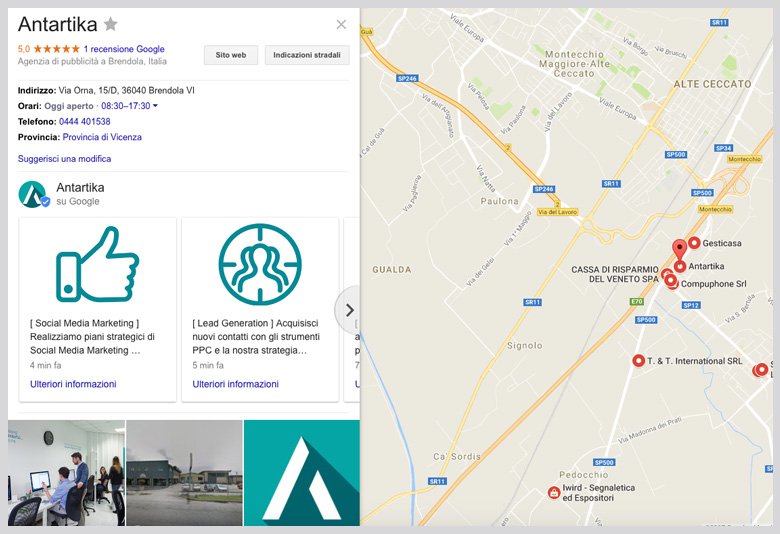
In essence, this is a virtual showcase that can be used to promote products, services, or events to potential customers directly when they view your business listing on Google.
How to Create a Google Post?
To create a new Google Post, simply access the dedicated section and click on “Write your post“: the editor for composition will appear.
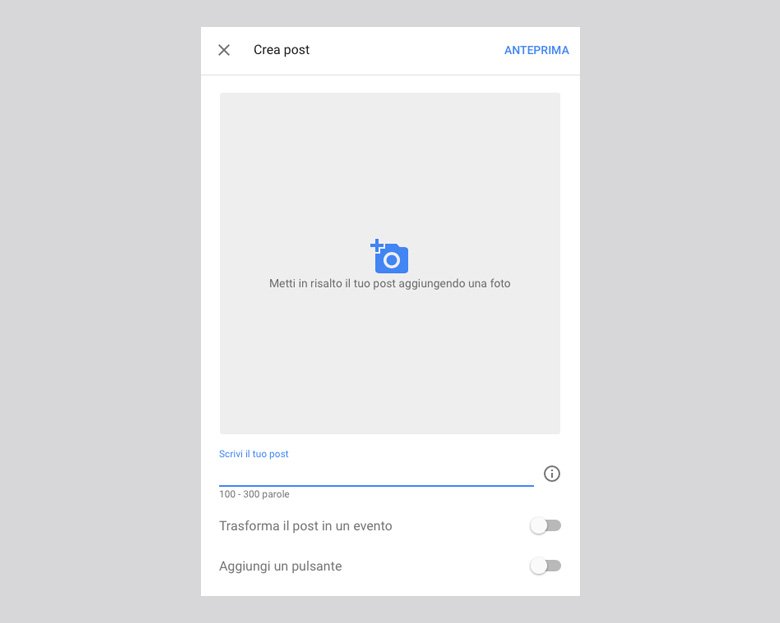
The basic settings allow you to add an image of at least 250x250px and text composed of no more than 300 words. By turning the post into an event, you can also add a title and set a start and end date.
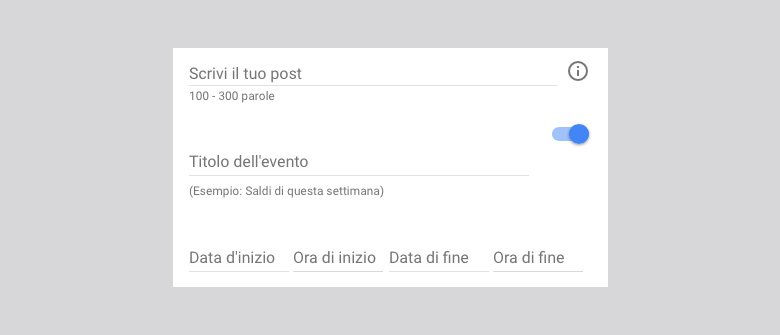
Clicking on “Add a button” will allow you to create a button with the most suitable call-to-action for your goal (Learn More, Book Now, Register, Buy, Save Offer) and insert a link to the desired page.

Before publishing the post, you can preview it by clicking on the corresponding button in the upper right corner.
The created posts will be instantly published within your business listing and can be edited or deleted at any time through Google My Business. In the following days, you will also be able to view data related to views and clicks.
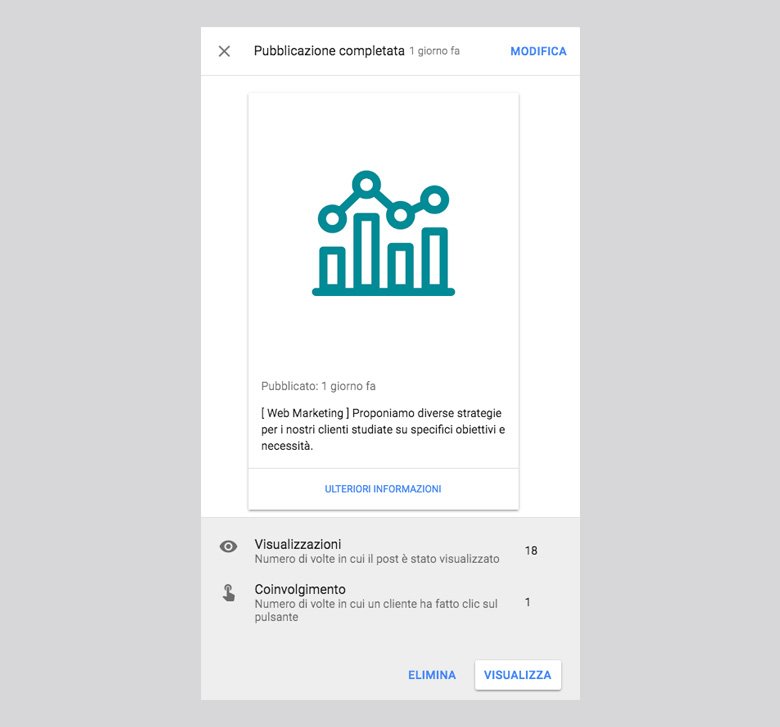
Unfortunately, Google Posts have an expiration date: after 7 days from publication, they will be removed from the business listing and will only be visible on mobile devices. If it’s an event post, it will remain visible for the duration of the event.
The Example of Antartika
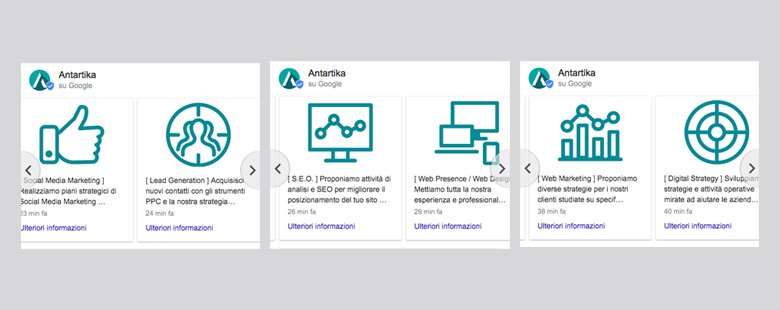
We decided to leverage this new feature to present the various services offered by our digital agency. The posts are published in a carousel format, ordered based on the creation date, from the most recent to the oldest. Users can view them with a simple scroll both on mobile and desktop.
The introduction of Google Posts opens up new and intriguing possibilities:
- real-time promotion can now be carried out within Google Search and Google Maps, following the logic of social networks;
- businesses and organizations have the opportunity to immediately present users with a list of their services or upcoming events;
- local businesses can gain a significant competitive advantage by promoting discounts and offers.
We now await the widespread adoption of this new tool and see if Google chooses to enrich it with additional functionalities.
Table of contents


