
Table of contents
TLTR
Preface: The only secure Facebook account is the one that has never existed. However, alas, some people need to work with Facebook, so it’s best to prepare to face all eventualities (mishaps) that might befall us. With that said, let’s see what can be done to protect our Facebook account from theft and hacking attempts.
What to Do to Protect Your Facebook Account
Choose Your Email
First and foremost, it’s important to choose a secure email.
But what does secure mean?
It means that it has never been subject to personal data theft (data breach).
Data breach: a security violation that leads – accidentally or illicitly – to the destruction, loss, alteration, unauthorized disclosure, or access to transmitted, stored, or otherwise processed personal data.
To check if your email has been subject to data breaches, you can use this free website: https://haveibeenpwned.com/
Simply enter your email and click Pwned? to instantly find out if, where, and when your email has been compromised and is therefore at risk.
- If the screen that appears is green: all clear! Your email has never been subject to data breaches.

- If the screen that appears is red: your email has been compromised in the past. In this case, by scrolling down the page, you’ll find information about the site and the date on which your data was illicitly made public.
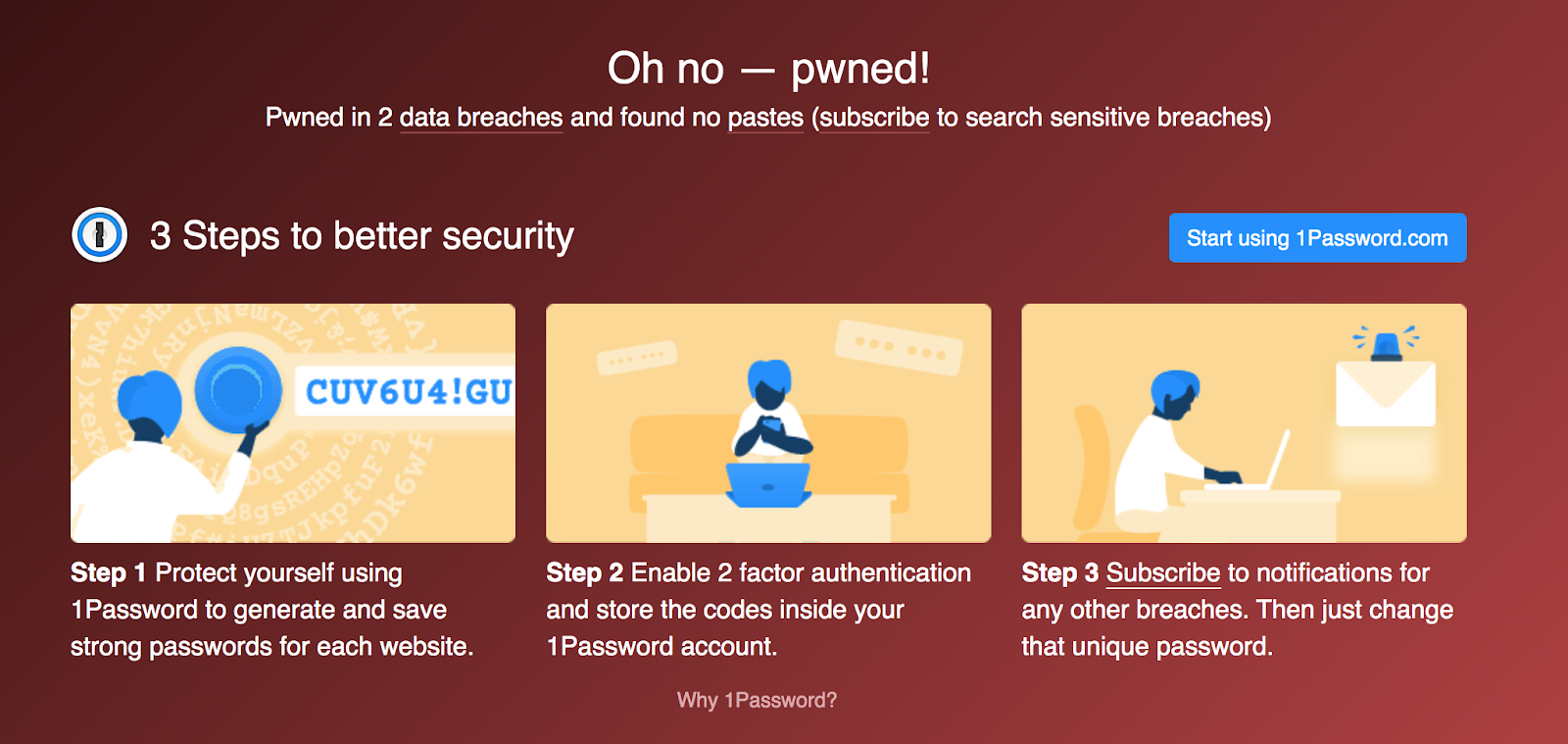
If your email has been violated, do not use it for your Facebook account (nor for other sites where you use credit cards, like Amazon or PayPal); use a new email, even better if created specifically. Creating new emails with Gmail is easy and free.
You can continue to use the violated email, but I wouldn’t use it for anything important (for example, you can use it to subscribe to spam newsletters).
Choose Your Password
The second thing is to choose a secure password.
But what does secure mean?
It means it must be unique (so avoid using the 20 most common passwords in the world) and follow a specific set of rules. So here are the 6 Rules for a Bulletproof Password, which must be:
- Different for every website and social media you use
- at least 12 characters long
- with lowercase letters
- with uppercase letters
- with numbers
- with special symbols
Keep track of all your passwords in a secure place or use automatic password creation and storage systems available online.
Two-Factor Authentication
Two-Factor Authentication is a security system that requires, in addition to the password (factor 1), entering a constantly changing numeric code (factor 2), which is sent to your phone via SMS or App to access your account.
Enable two-factor authentication for every online profile, social media, and non-social media.
To enable two-factor authentication on your Facebook profile, follow these instructions:
- Settings
- Security and Login
- Use two-factor authentication

It’s very important that your Facebook profile has this feature active. If you’re an advertiser, Facebook will likely require you to activate it.
Reports for Login Attempts
Arrange for Facebook to notify you by email, notification, or Messenger if someone logs in or attempts to log in from a device or browser you don’t usually use.
To activate this feature, go to:
- Settings
- Security and Login
- Get alerts about unrecognized logins
and enter all the email addresses where you want to receive alerts.
Add Trusted Contacts
Select 3-5 trusted Facebook friends who can help you regain control of your account if it’s hacked. Your friends will receive a notification but won’t have to do anything immediately.
If you need to regain access to your account, these contacts will receive a code and a URL to allow you to log back in.
Keep the names and surnames of trusted contacts in a secure place.

Check Recent Activity
At any time, you can review all actions performed on your profile.
This feature is called Activity Log and is very useful for discovering if an intruder has taken actions on your profile without your knowledge (such as posting, commenting, or sending messages).
You can access the Activity Log through:
- Settings and Privacy
- Activity Log

If you suspect someone has accessed your account, you can always use this tool.
What NOT to Do to Protect Your Facebook Account
Is your account secure now? Well…
Yes and no. Behaving intelligently is equally important for protecting your social media accounts.
Let’s see what NOT to do to keep your account safe!
Don’t accept friend requests from strangers and/or fake profiles
My advice is to make your personal profile as private and hard to find as possible to limit requests.
- Settings and Privacy
- Privacy Checkup
- Who can see your content and How people can find you on Facebook

Don’t click on any links sent via messages, especially if you don’t know the sender or if the message text is suspicious.
Clicking on the link on your computer will install a virus that will send the same message to all your contacts and fill your browser with dozens of ads that, in turn, could carry other malware and viruses.

Don’t enter your Facebook email and password except at the login.
Login credentials are requested again only for very important actions: changing passwords, adding new administrators to the Business Page…
If your password is requested to “watch a video” or “win something,” then it’s certain that it’s an attempted theft: the “thieves” are asking you to give them your passwords as if it were nothing!
Don’t panic if your account is blocked.
In case your account is blocked for “suspicious activity,” follow Facebook’s instructions and in most cases, you’ll recover your account immediately.
No need to panic!
My Account Has Been Hacked: What Do I Do?
The worst nightmare of a Social Media Manager has come true: the Facebook account has been hacked, the two-factor authentication bypassed, email and password changed. Facebook sent you an email that your account has been disabled without further explanation. What to do in this case?
What Facebook Says
Facebook instructs us to fill out the form available at this link: https://www.facebook.com/hacked and wait for a response from support within 72 hours.
Alternatively, from a mobile phone, provide your personal information at this link: https://m.facebook.com/login/identify
RECOMMENDED If you’re an advertiser and have a Business Manager, you can contact support via live chat here: https://www.facebook.com/business/help/support
Support will require:
- hacked profile URL
- URLs of the pages you are an administrator of
- date and time of the violation (i.e., the time of the FB email notifying you of suspicious activity on your account)
- Business Manager name and ID
- email associated with the account
- phone number associated with the account
If you don’t have a Business Manager, have someone who does complete this activity on your behalf and provide the information on your behalf. Make sure to have all the above data at hand.
And then?
Once an account is violated, all that’s left is to follow the instructions above, wait, and hope. Facebook’s support is not known for being competent or caring, so it’s better to avoid dealing with it altogether.
Or…
If nothing works, we know that it’s possible to get assistance from Oculus, a company acquired by Facebook in 2014. To access Oculus support, you need to purchase an Oculus VR headset and find the serial code attached to the individual product.
Once you’ve entered the serial code into the Oculus support link, you can chat with an operator who will recover your hacked Facebook account within a few hours.
…how is that possible? It’s possible because using Oculus VR headsets requires having a Facebook account: it’s in their interest to get your account back up and running as quickly as possible.
A viable way to recover a hacked Facebook account is, therefore, this: buy an Oculus VR set on Amazon, use the serial code to communicate with dedicated support, regain access to the account, and then return the set to get a refund for the money spent.
Conclusion
Recovering a hacked Facebook account is neither easy nor fun. We hope this guide will never be of use to you, and to prevent this from happening, we recommend implementing all the security measures recommended in this article.
To best protect your Facebook account, we recommend implementing all the recommended security systems in this article in advance!
Table of contents


